 Click
Capture
Already on the clipboard.
One key from any app. Region, window, or the whole screen — Click copies it before the overlay closes.
Screenshot & record for Mac
Show exactly what you mean. Press Cmd + ` and drag — the shot is already copied.
Free $0 · Pro $5.99/mo or $39.99/yr, 7-day trial · Lifetime $79.99 once
30-day money-back on direct purchases. macOS 14 or later.
Capture
One key from any app. Region, window, or the whole screen — Click copies it before the overlay closes.
Annotate
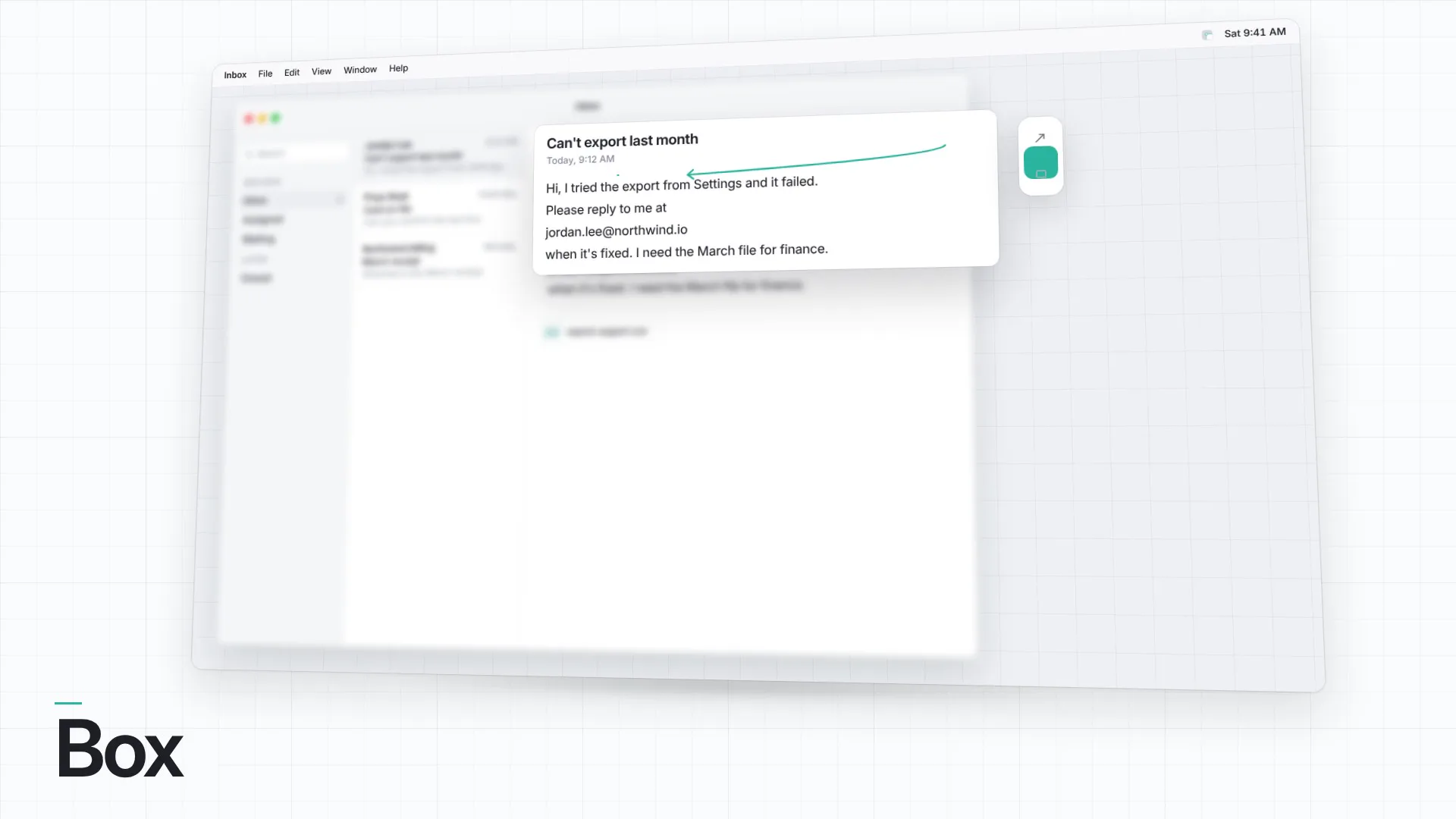
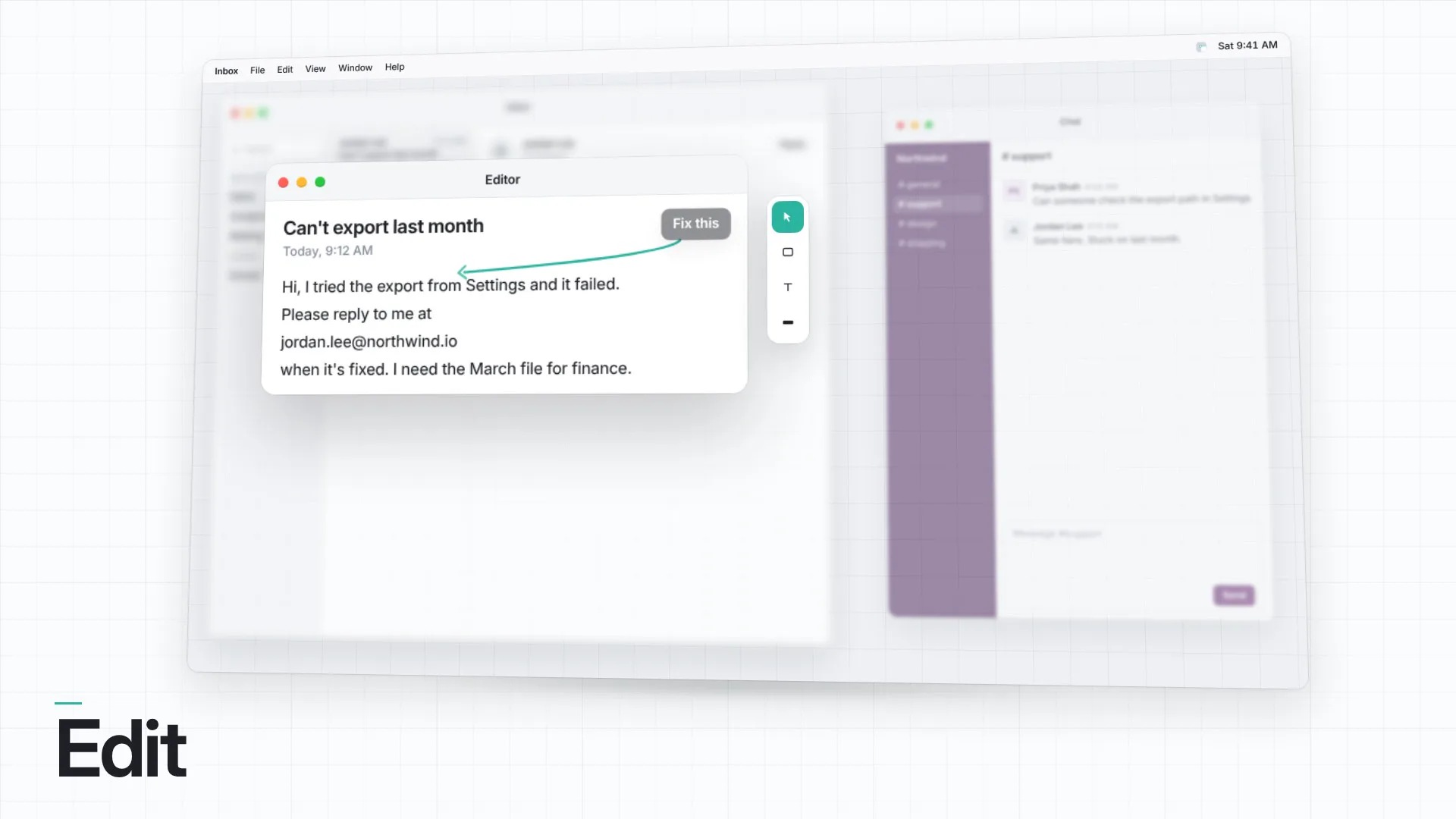
Arrows, text, steps, and highlights stay live objects until you export. Move one, or save it as that tool’s default.
Redact
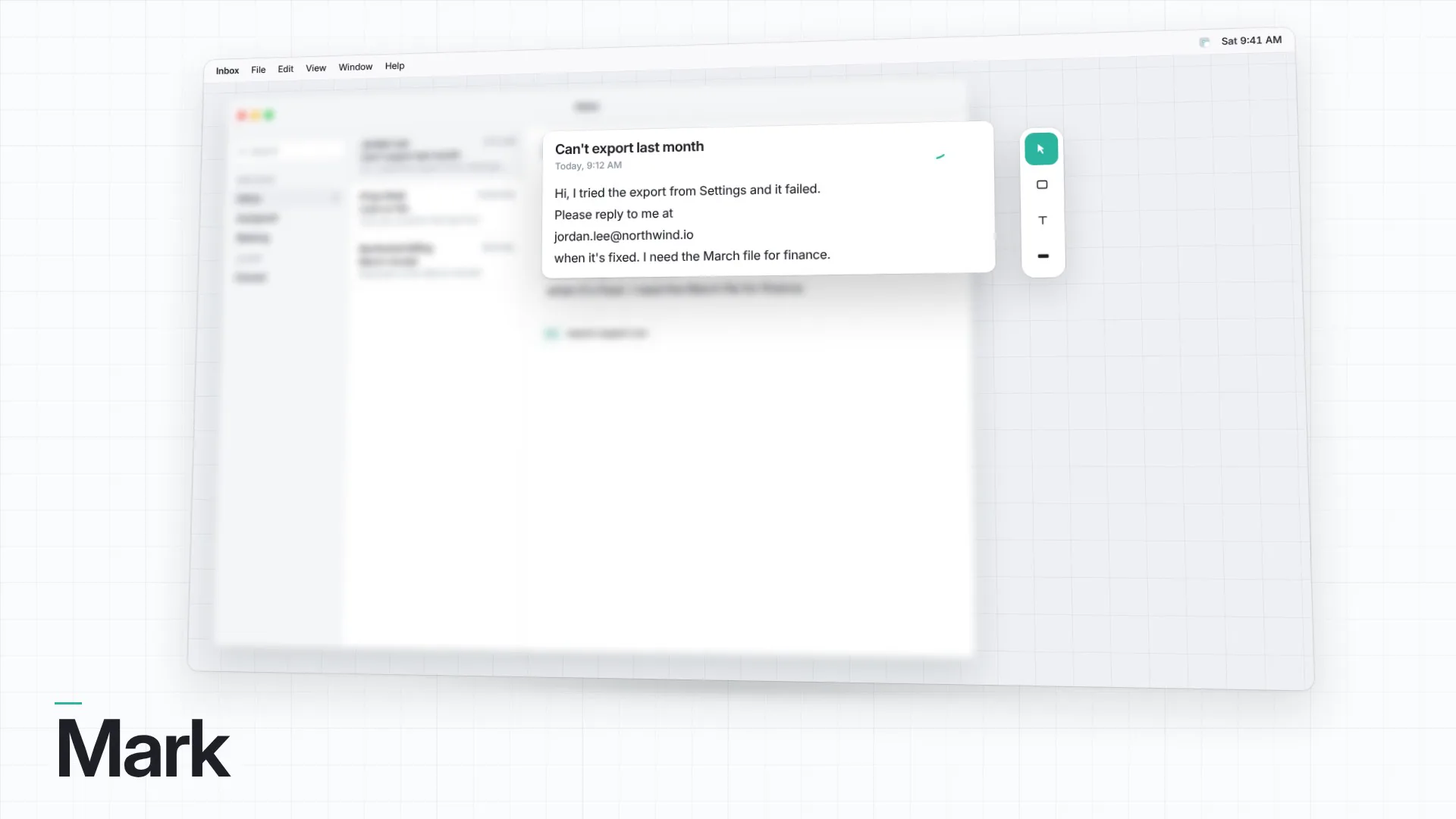
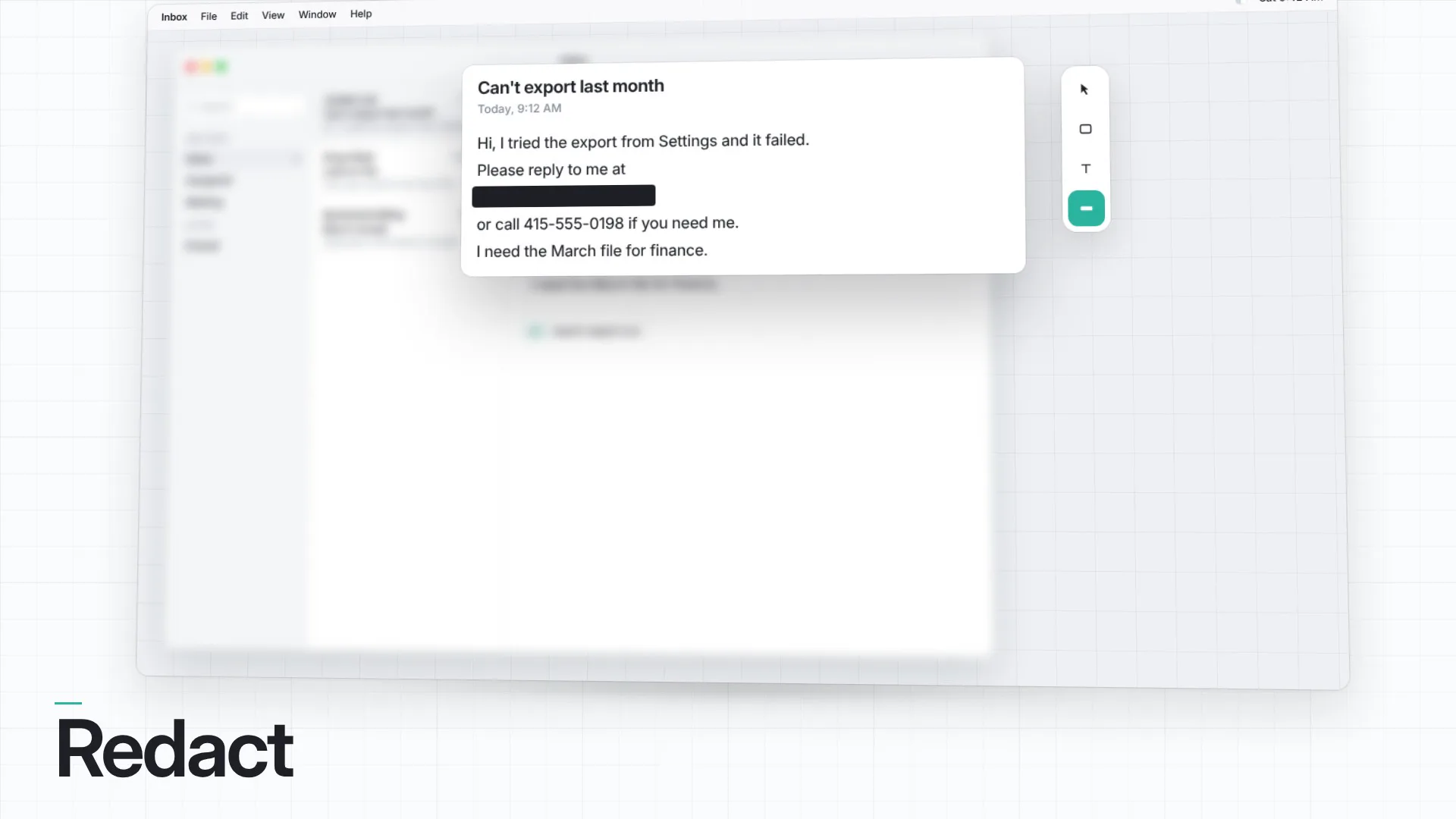
Blur or pixelate a number, a name, a balance. The rest of the shot stays sharp.
Tools
01
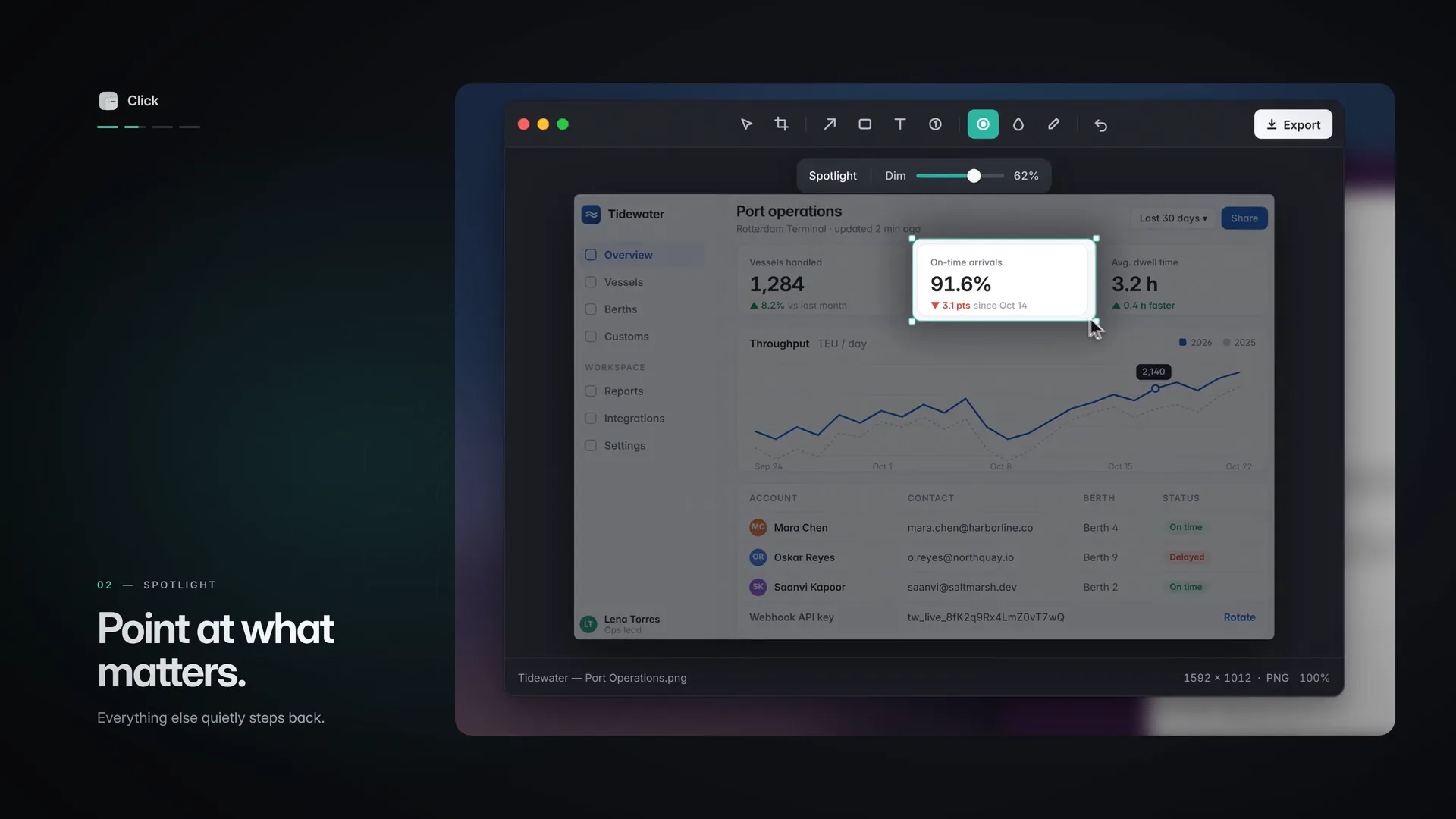
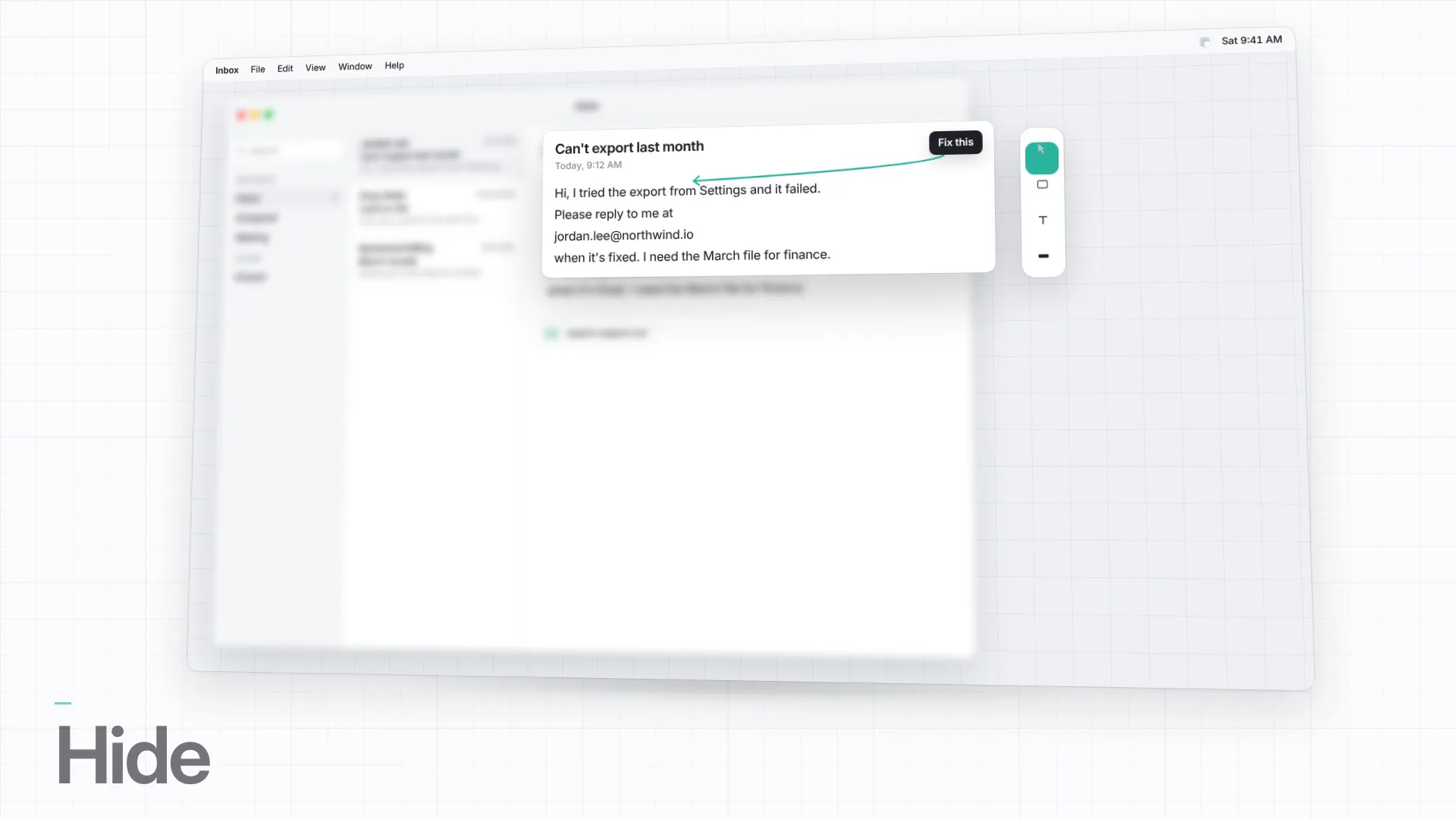
Dim everything except the thing you mean. One drag, and the rest of the picture steps back.
02
Keep the part that matters. Rectangles, arrows, and text stay live objects until you export.
03
Two versions in one frame — side by side, or with a before-and-after slider.
04
Color, thickness, arrowhead. Set them once and the next capture opens ready.
Same key
Space switches modes without leaving the overlay.
Region
Shift locks a square. Option draws from the center. The readout shows pixels as you drag.
Window
No marching ants around the desktop. The window you mean, edges included, copied at once.
Screen
One key for the full screen. Same clipboard, same card, same editor.
Send
Copy, or drag the card into the app you already have open.
Record
Same overlay, with Shift.

PNG, HEIC, or PDF, at 1× or 2×. The full-resolution original stays in the library.
Cmd ` captures. Shift Cmd ` records. Both can be changed in Settings.
The card is already on screen. Drag it into the thread, or ignore it and it leaves.
Privacy
Pricing
Capture stays free. Pro is a 7-day trial on the Mac App Store. Lifetime is one payment.
Free
Forever. No trial required.
Pro
or $5.99 / month. 7-day free trial on either.
Lifetime
Everything in Pro. No renewal.
Pro Monthly ($5.99) and Pro Yearly ($39.99) renew until you cancel, after a 7-day trial for new subscribers — one trial per Apple Account. Lifetime is $79.99 once and has no trial. Direct Lifetime purchases are sold by Paddle as merchant of record, with a 30-day money-back guarantee. App Store purchases are sold by Apple. Terms · Refunds
| Capability | Free | Pro | Lifetime |
|---|---|---|---|
| Region, window, and full-screen capture | Yes | Yes | Yes |
| Copy to clipboard and Quick Access card | Yes | Yes | Yes |
| Save as PNG, background, drop shadow | Yes | Yes | Yes |
| Annotation, crop, spotlight, steps | — | Yes | Yes |
| Blur and redaction | — | Yes | Yes |
| Compare | — | Yes | Yes |
| Screen recording, camera bubble, mic and system audio | — | Yes | Yes |
| Library, HEIC, PDF, 2× export | — | Yes | Yes |
| 7-day trial | — | Yes | — |
| Price | $0 | $5.99/mo $39.99/yr | $79.99 |
Questions
Yes, on the Mac App Store. Pro Monthly and Pro Yearly each start with 7 days free for new subscribers — one trial per Apple Account, across both plans. You are not charged when the trial starts. Cancel in System Settings › Apple Account › Media & Purchases › Subscriptions before it ends and you pay nothing. Capture, plus the editor’s background and drop shadow, stays free and needs no trial. Lifetime has no trial.
Direct purchases include a 30-day money-back guarantee. Paddle is the merchant of record and reseller for those sales; write to SirRyanLynch@gmail.com or use the receipt Paddle emails you. See the refund policy. Mac App Store purchases are sold by Apple, and refunds go through reportaproblem.apple.com.
A direct Lifetime purchase emails you a license key. In the direct build of Click, open Settings and enter the key. It is checked against the license server, then remembered on that Mac so it keeps working offline for a grace period. The Mac App Store build does not use license keys — Pro follows the Apple Account you bought with. Restore Purchases is in Settings › About.
macOS treats every screen capture, including still screenshots, as screen recording. Click asks once, with the system prompt. Camera and microphone are requested only if you turn them on for a recording. You can revoke all three in System Settings › Privacy & Security.
The Mac App Store build is free to capture, and Pro Monthly, Yearly, and Lifetime are in-app purchases sold by Apple. They restore across the Macs on that Apple Account, and Apple handles the update. Buying Lifetime direct is a one-time purchase sold by Paddle. You download a Developer ID build, enter the license key from the receipt, and updates come from Click rather than the App Store. A key bought direct does not unlock the Mac App Store build, and an App Store purchase does not unlock the direct build.
No. Captures are written to the folder you choose and stay on your Mac. There is no account and no background uploader. The only optional signal is anonymous usage statistics — which feature was used, never what you captured — and you can switch that off.
A short email when Click ships something worth opening, including direct-sale offers. Unsubscribe in one click.
Free on the Mac App Store. Lifetime is $79.99 once, direct or on the store.